
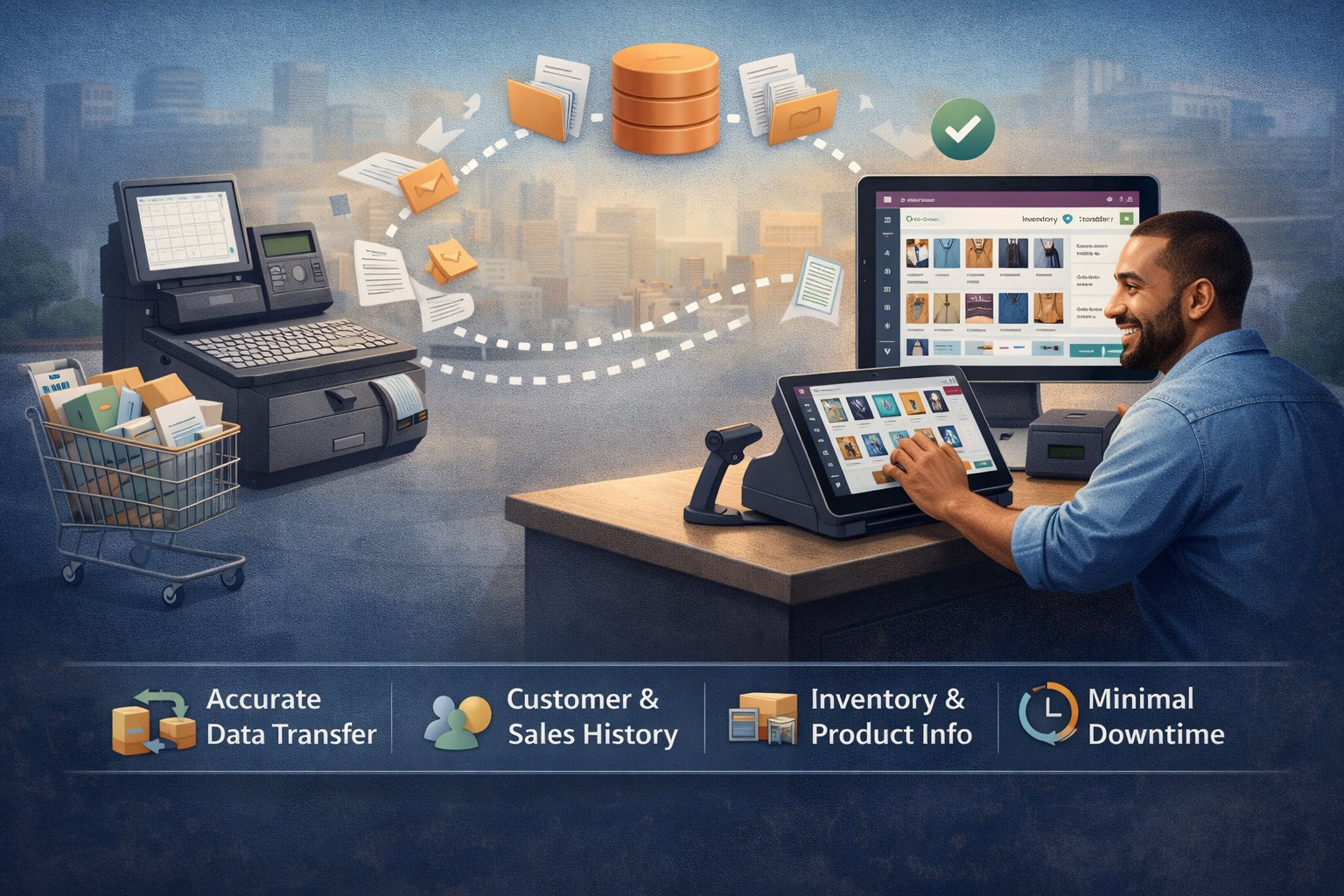
Switching from an old POS system to a modern platform sounds exciting—until you think about your data. Years of customer details, product catalogs, barcodes, price lists, discounts, tax rules, inventory counts, and sales history can’t be “copied and pasted” safely. One missing field can break billing, create stock mismatch, or confuse staff at the counter. That’s why businesses choose Odoo Pos Development Services for a smooth, accurate, and low-risk migration from legacy POS systems. The goal is simple: move everything you need, verify it properly, and go live without chaos.
Why data migration is more than just moving files
Most legacy POS platforms store information in different formats—sometimes in exports, sometimes in proprietary databases, and sometimes spread across multiple systems. During migration, businesses commonly face problems like:
-
Duplicate products and customers
-
Wrong tax mapping and billing errors
-
Missing barcodes, variants, or units of measure
-
Incorrect opening stock and valuation
-
Broken integrations with printers, scanners, and cash drawers
-
Lost sales history or incomplete reports
With Odoo Pos Development Services, migration is handled as a structured project—not a risky “one-day switch.” You get a controlled process that protects your operations, keeps your reporting accurate, and ensures your POS works correctly from Day 1.
What “Smooth Data Migration” looks like with Odoo POS
A successful migration is built on planning, mapping, validation, and safe rollout. Using Odoo Pos Development Services, we typically follow a proven approach:
1) Data audit and migration planning
Before moving anything, we identify what data matters most for your daily operations. Not every business needs 10 years of invoices in the POS, but most do need customers, products, pricing, taxes, and current inventory. We also check data quality—because migrating messy data only creates bigger problems later.
2) Data mapping and structure alignment
Every POS labels fields differently. For example, “Item Code” in your old system might need to map to “Internal Reference” in Odoo, while “Department” might map to “Product Category.” Through Odoo Pos Development Services, we build a clear mapping sheet so nothing important is missed. This is where the migration becomes reliable instead of random.
3) Cleansing and standardization
Legacy systems often contain duplicates, old inactive items, incorrect spellings, inconsistent categories, or missing barcodes. We clean the data before importing:
-
Merge duplicates (customers, products, vendors)
-
Standardize product names and categories
-
Validate tax rules and price points
-
Fix missing barcodes and variants (size, color, pack)
This step is critical because Odoo Pos Development Services aren’t just about importing data—they’re about improving the system so your POS becomes faster and cleaner.
4) Migration of key datasets
A typical POS migration includes:
-
Products: variants, barcodes, pricing, cost, categories, units
-
Customers: contact details, loyalty data, credit balance (if used)
-
Vendors (optional): if you manage purchasing from Odoo
-
Inventory: opening stock per location/warehouse, reorder rules
-
Taxes & fiscal positions: correct tax setup for your region
-
Price lists & discounts: retail, wholesale, seasonal offers
-
Sales history (optional): for reporting and customer purchase insight
With Odoo Pos Development Services, we import these datasets in the right sequence to avoid dependency issues.
5) Testing in a staging environment
A migration is never complete until it’s tested. We run a staging setup where your team can do real billing simulations:
-
Scan products, apply discounts, and complete payments
-
Print receipts and test cash drawer behavior
-
Verify taxes, rounding, and totals
-
Check stock movements after sales and refunds
This stage proves the migration is correct—and ensures staff confidence before launch.
6) Low-downtime go-live strategy
Most businesses cannot afford POS downtime. With Odoo Pos Development Services, go-live planning is designed around your operations:
-
Final data sync (latest stock and customers)
-
Cutover timing (often after closing hours or low-traffic time)
-
Staff training and quick reference workflows
-
Backup and rollback plan (for safety)
This makes migration smooth—not stressful.
Business benefits you get after migrating to Odoo POS
Accurate inventory and better control
Once your data is structured and clean, you get real-time stock visibility across branches, warehouses, and channels. It becomes easier to manage transfers, replenishment, and high-demand products.
Faster billing with fewer errors
Correct product mapping, barcode accuracy, and proper tax setup reduce billing mistakes and speed up checkout—especially during peak hours.
Better reporting and smarter decisions
A good migration ensures your reports are meaningful. You can track top-selling products, store performance, cashier performance, and customer buying behavior—without manual reconciliation.
Scalability for multi-store growth
Legacy POS tools often struggle when you expand. With Odoo Pos Development Services, the migration sets you up for future additions—new outlets, new warehouses, loyalty systems, or eCommerce integrations.
Odoo Links:-https://sdlccorp.com/services/odoo/odoo-pos-development-company/